Music Features Craft FAQ Privacy Download

Knotch for macOS

Make the notch actually do something.

Music, system HUDs, a file shelf, and glanceable widgets — living in the space your Mac already set aside.

Download for Mac View on GitHub

Free · Open source · macOS 15 or later

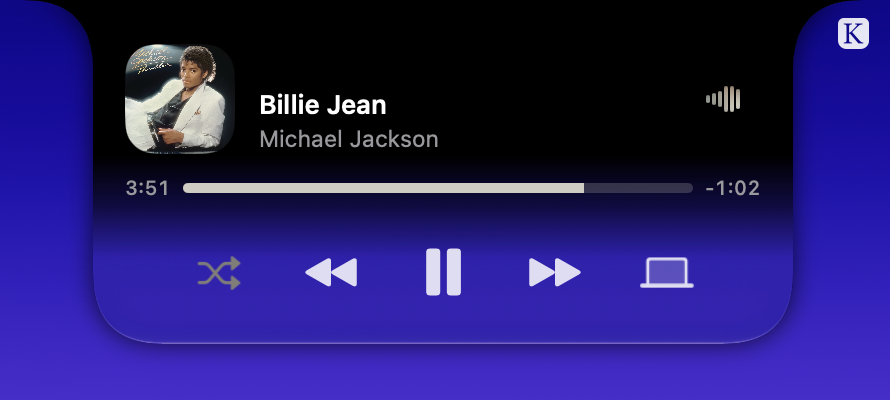
Now Playing

Music. Front and center.

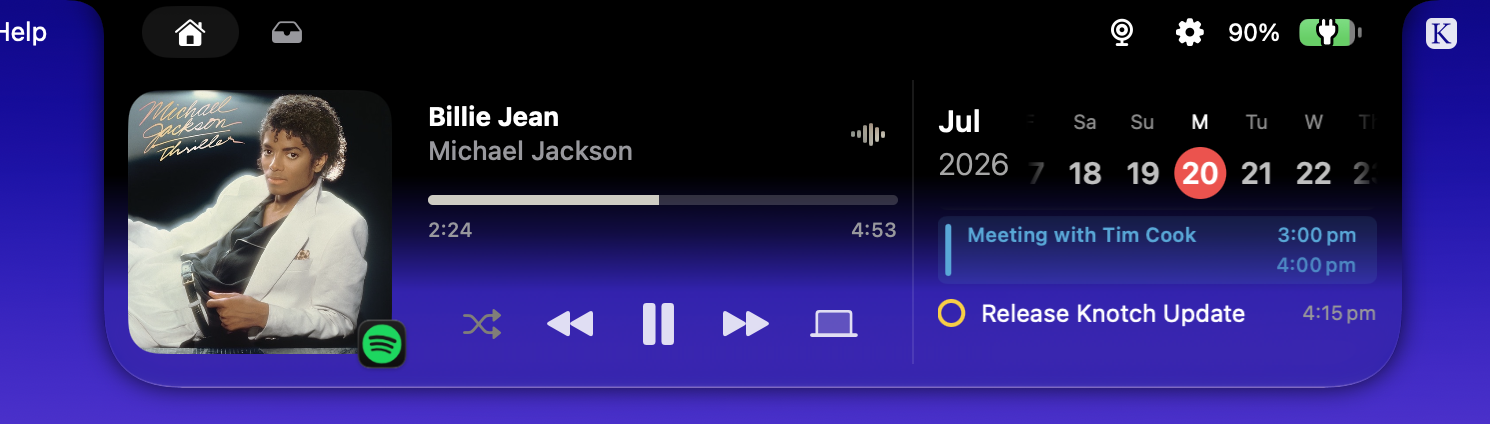
Album art, playback controls, and a live audio spectrum — one glance up, and you know exactly what's playing. When a track changes, the notch gives you a quiet sneak peek, then gets out of the way.

Live waveform, alive.

A real-time spectrum visualizer breathes with your audio, calibrated with proper FFT band extraction — not decoration pretending to be data.

Lyrics, on cue.

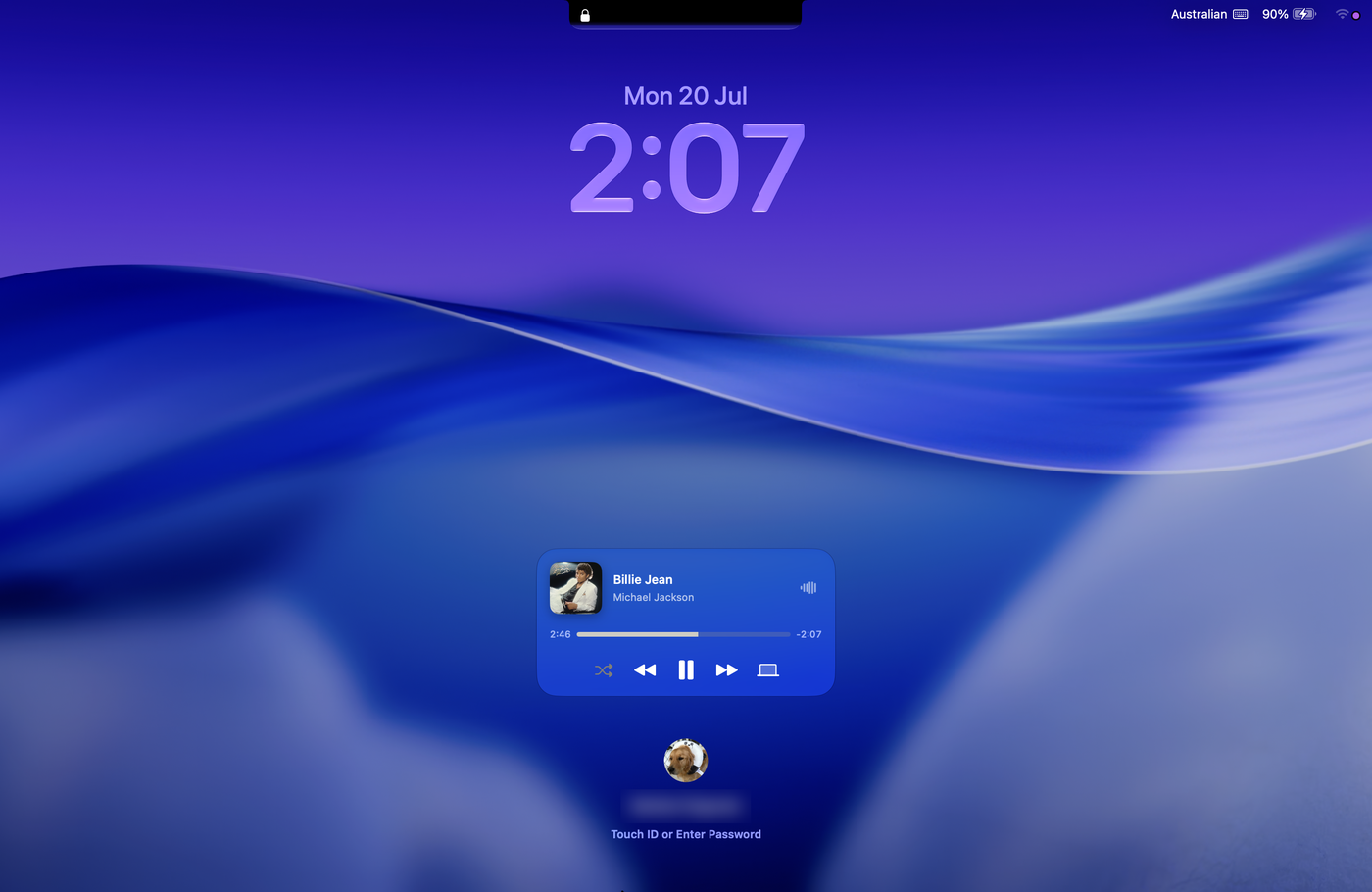
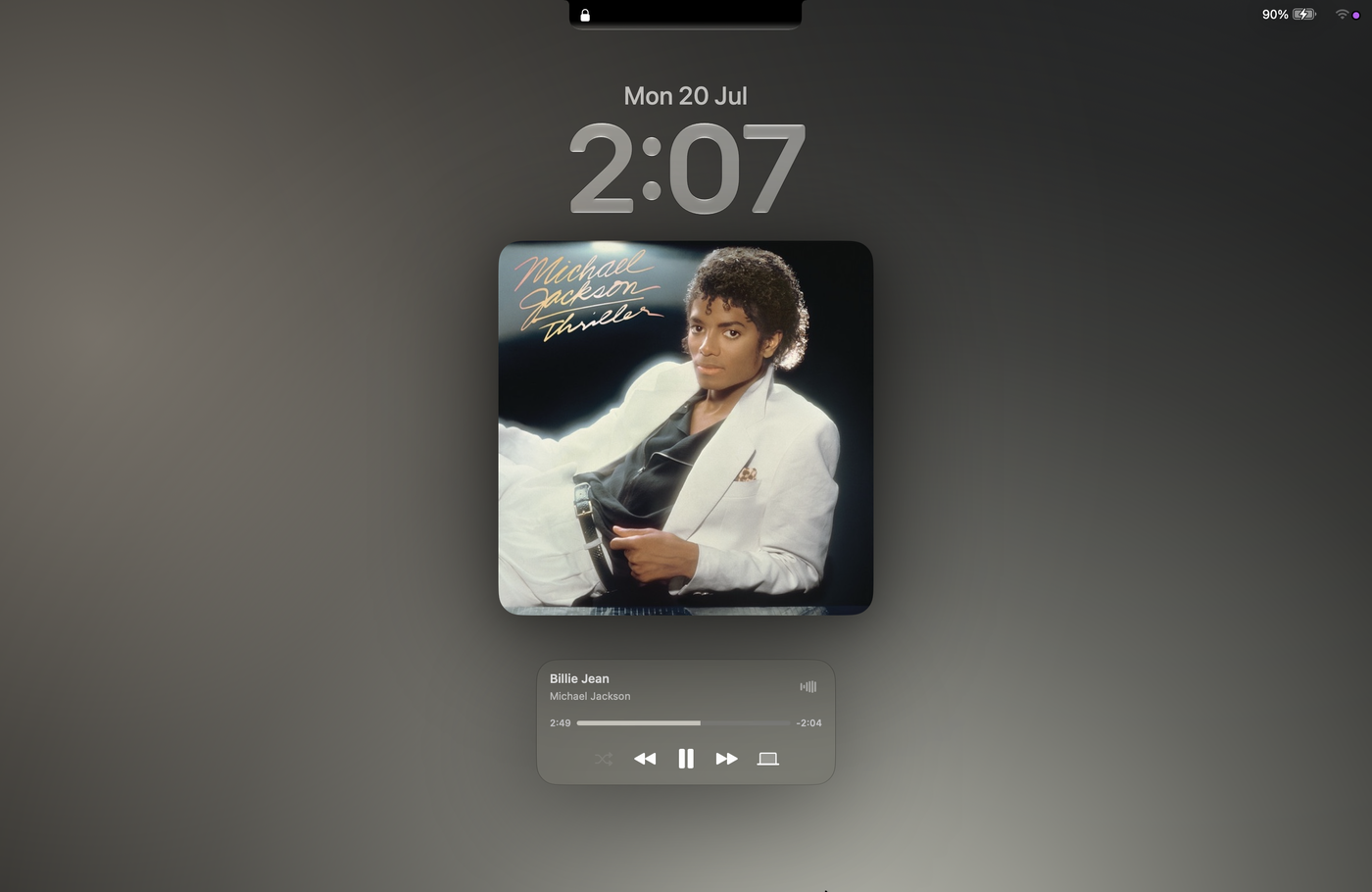
Follow along line by line, right beneath the artist name. And on the lock screen, a frosted glass music widget with expanded album art keeps the vibe going while your Mac rests.

Waiting… waiting for something to happen The city is my church ✦ now playing

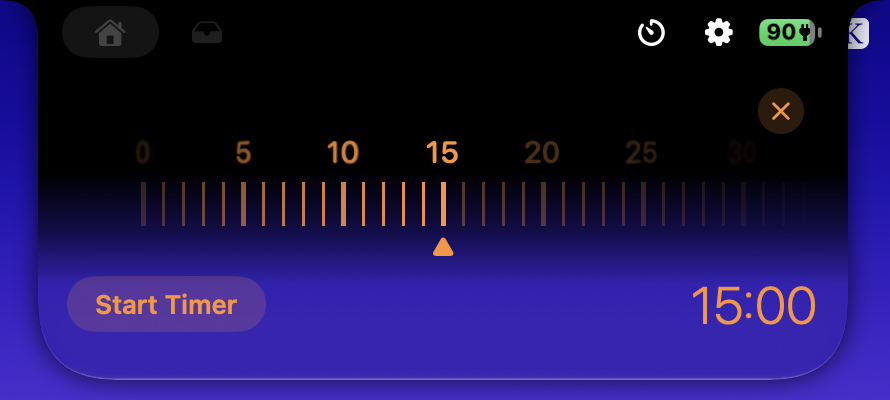
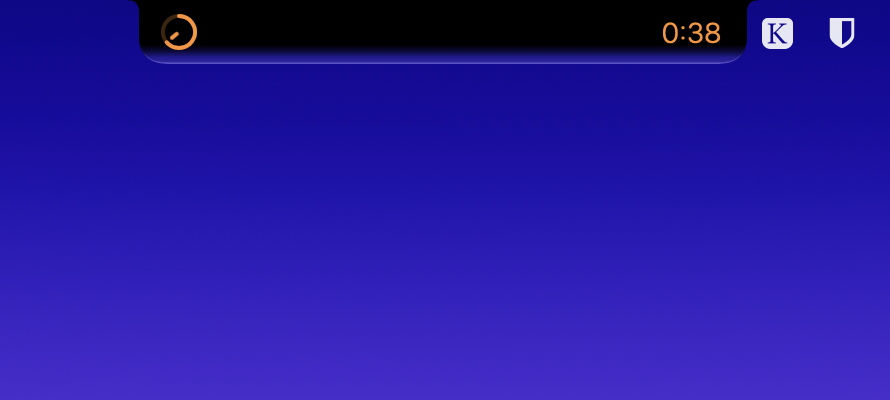
Everything up there

One notch.
A whole toolkit.

Every feature earns its pixels — designed to feel like macOS shipped with it.

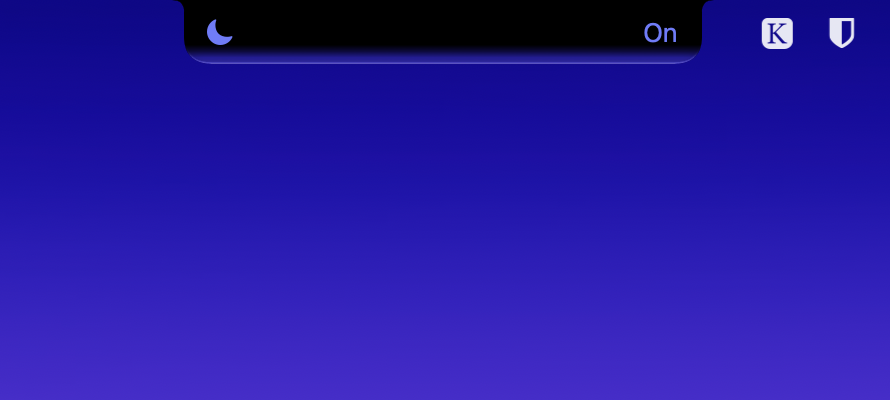
System HUDs, redesigned in place.

Volume, display brightness, keyboard backlight — replaced with HUDs that rise from the notch instead of floating mid-screen. Inline or overlay, with optional gradient, glow, and accent tinting.

Shelf.

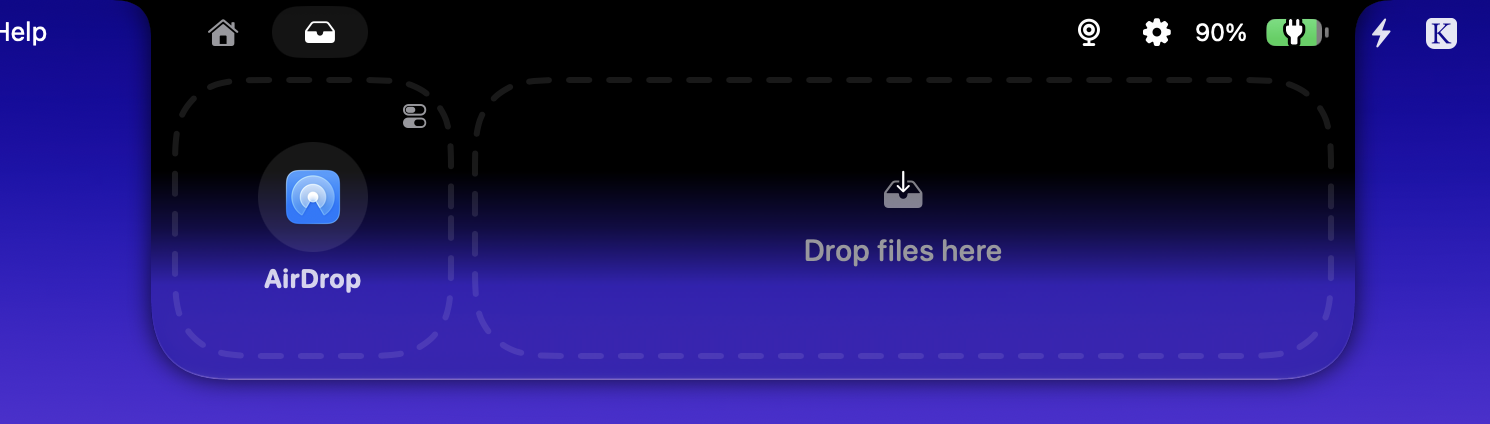
Drag files into the notch to stage them, then AirDrop or LocalSend them anywhere. Copy on drag, auto-remove after sharing.

essay.pages
demo.mov

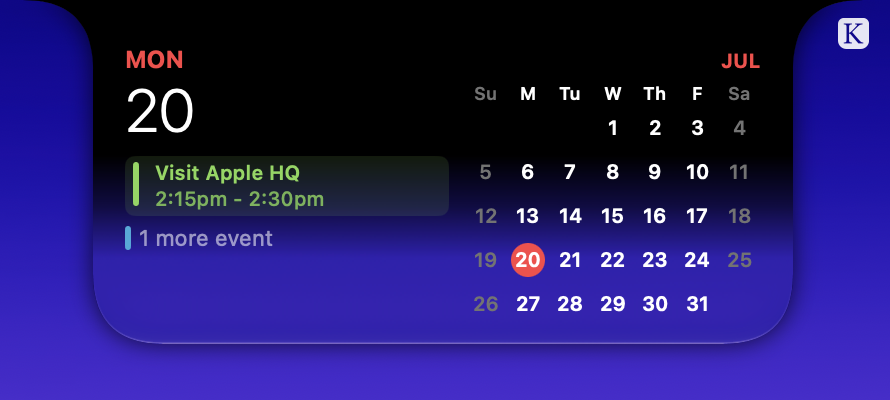
At a glance.

Calendar with reminders, all-day filtering, and auto-scroll. Your day, one look up.

10:30 AM Economics — Room 402

Mirror.

A webcam preview in the notch. Check yourself before the call — no photo booth detour.

Battery, honestly.

Charging status, percentage, and power notifications that surface right where you're already looking.

82% · Charging

AirDrop, tracked.

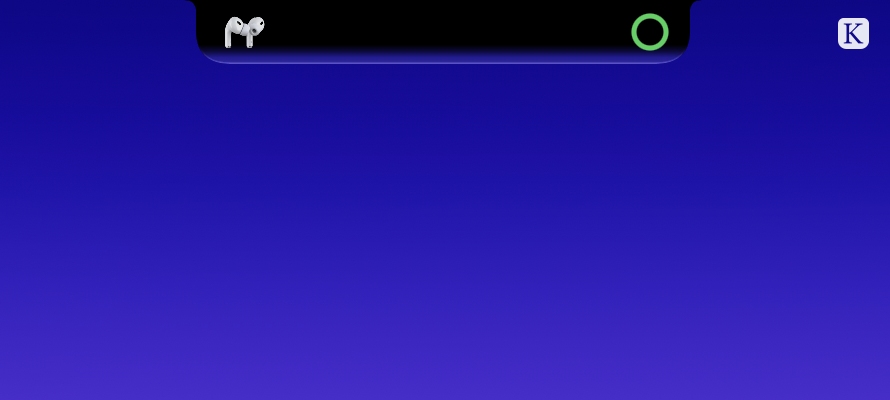
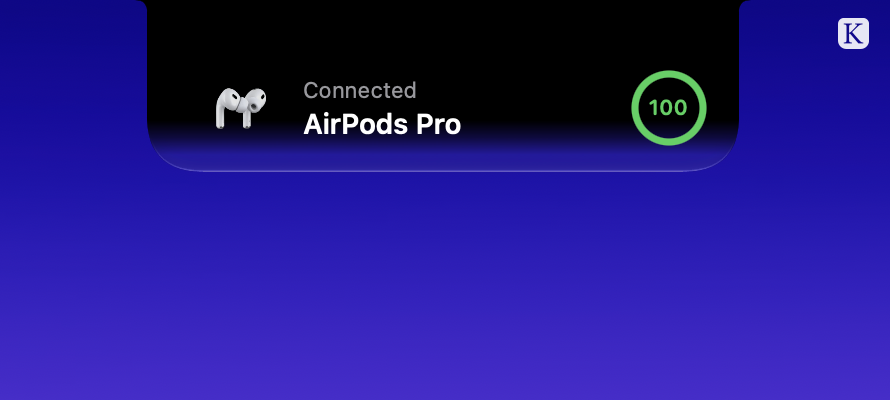
Live progress for incoming AirDrops. Watch the ring fill from the notch as files arrive.

The point of it

Built to feel built in.

Knotch is a personal adaptation of boring.notch, reworked around one obsession: the little details that separate something that fits from something that just works.

Native materials.

Frosted glass, real vibrancy, and Liquid Glass on macOS 26. Nothing painted on — the same materials macOS itself is made of.

Motion with manners.

Sneak peeks that appear when a track changes and dissolve when you look away. Animation that informs, never performs.

Open, entirely.

GPLv3, on GitHub, with every release scanned on VirusTotal. Read the code, fork it, make it yours.

Get Knotch

Free. Open source.
Feels like it shipped with your Mac.

Download the latest release, drop it in Applications, and give your notch a reason to exist.

First launch on macOS

Knotch isn't notarized yet, so macOS will block it the first time. Run this once in Terminal, then open it normally:

xattr -dr com.apple.quarantine /Applications/Knotch.app

Or open the app, dismiss the warning, and choose Open Anyway in System Settings › Privacy & Security.

Requires macOS 15 Sequoia or later · Apple Silicon and Intel
Liquid Glass features require macOS 26 · Works on notch and non-notch displays